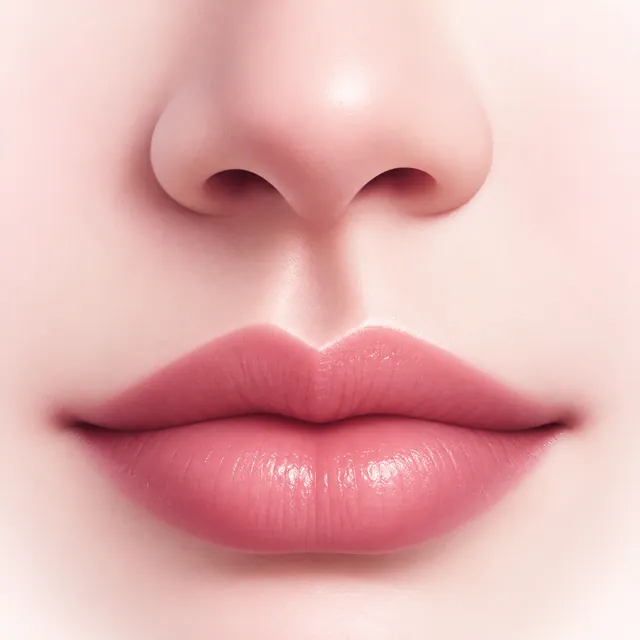
Philtrum shaping
Deepen or soften the groove with light-aware shading, stretch or shorten the nose-to-lip distance, and choose a Water Drop or Straight shape with an adjustable edge.
CupidPout for iPhone
CupidPout is a philtrum and lip retouch editor for iPhone. Shape the groove under your nose, plump your lips and lift your cupid’s bow on your own photo, compare with the original, and save the result.
Download on the App Store Free to try · iPhone only
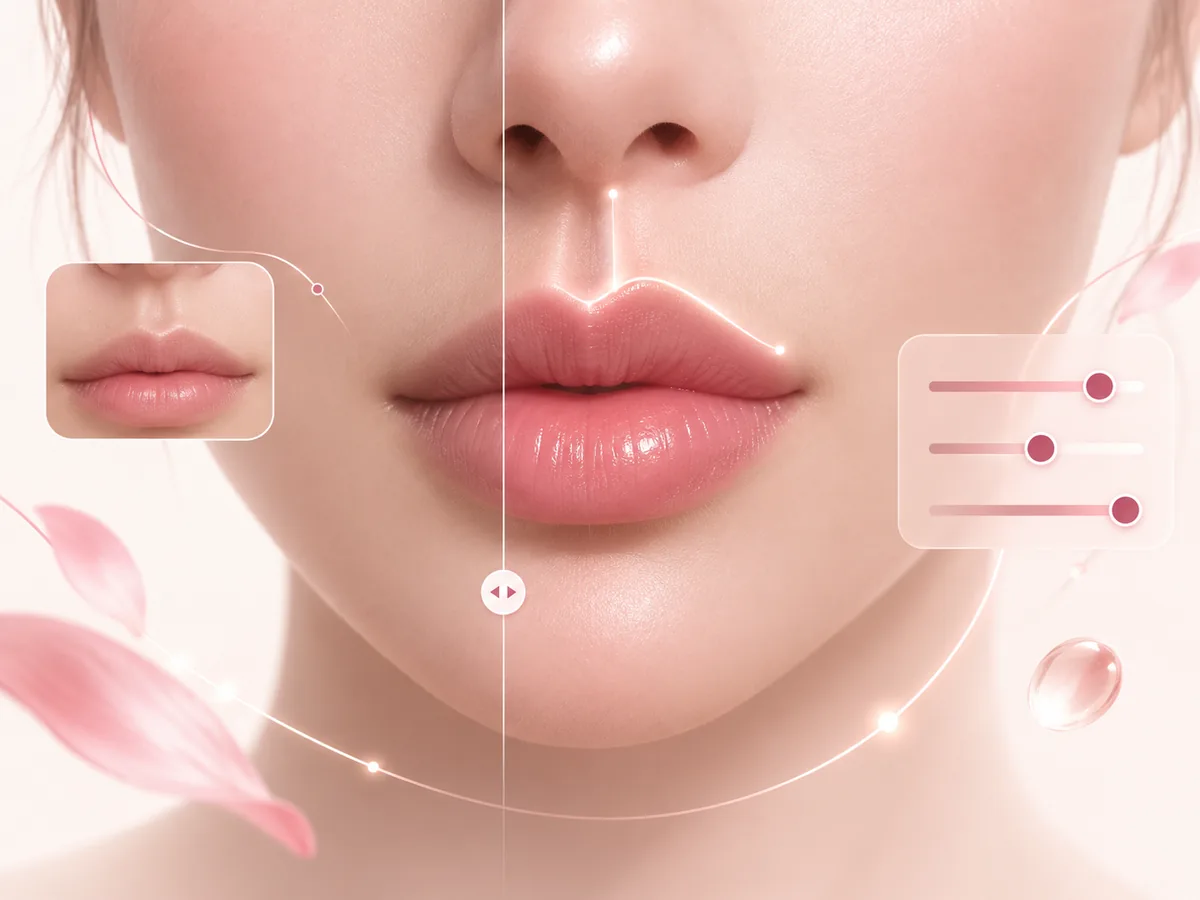
CupidPout is a free iPhone photo editor that retouches the philtrum, the groove between your nose and upper lip, and reshapes your lips. Deepen or shorten the philtrum, plump each lip and lift the cupid’s bow, all processed on your device.
Deepen or soften the groove with light-aware shading, stretch or shorten the nose-to-lip distance, and choose a Water Drop or Straight shape with an adjustable edge.
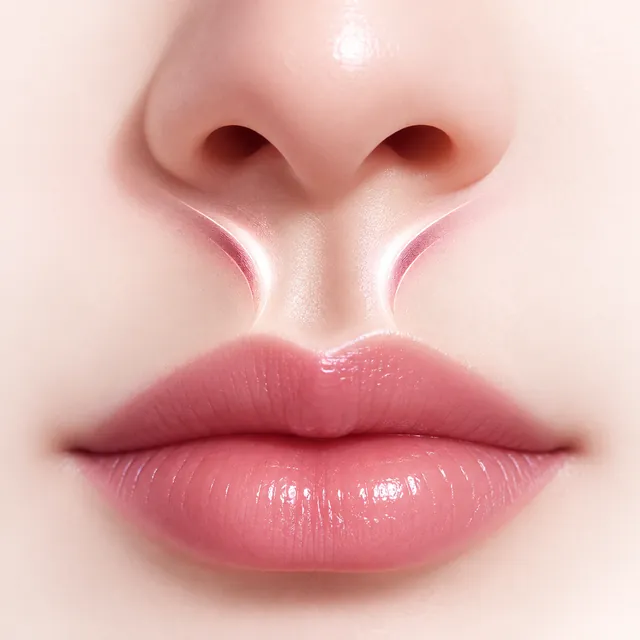
Add the two soft highlights that run down each side of the philtrum, then adjust their strength, position and spacing to match the light in your photo.
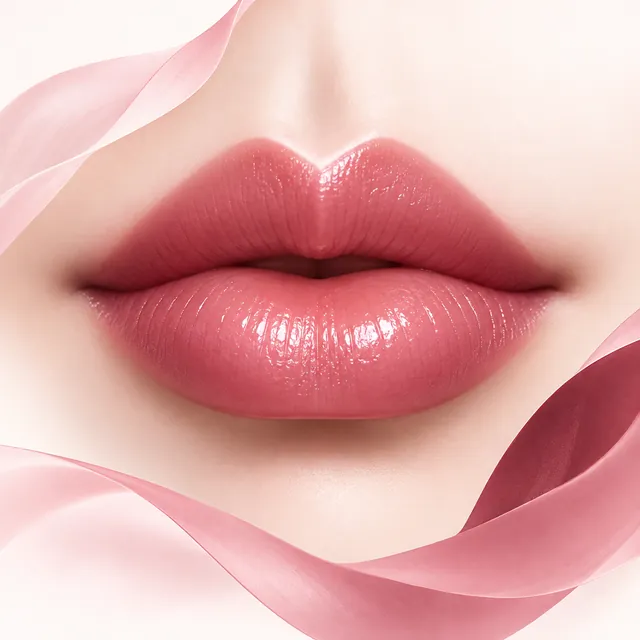
Plump the upper and lower lip separately, and lift the peaks of the cupid’s bow and the corners of the mouth for a subtle, softly upturned pout.
A philtrum filter edits the vertical groove between your nose and upper lip. CupidPout lets you deepen it, soften it, shorten it or add highlights, so you can preview a different look on your own photo.
Open your photo in CupidPout and use Shorten Philtrum to pull in the distance between your nose and upper lip. You can also change the philtrum’s length and shape, then save the result.
Yes. The upper and lower lip are adjusted separately, and the Cupid Pout control lifts the peaks of the cupid’s bow and the corners of the mouth while keeping the natural M-shaped lip curve.
CupidPout is free to download and includes free edits every day, supported by ads. CupidPout Lifetime is a one-time purchase, not a subscription, that unlocks unlimited edits and removes ads.
No. Face detection and editing run on your iPhone. Your photos and face data are not uploaded to our servers or to third parties, and a result is only saved to your photo library if you choose to save it.
No. CupidPout is currently available only for iPhone, through the App Store.
Tap the face you want to edit. If detection places the philtrum center slightly off, drag the center point yourself, and tap Restore to put it back.
No. CupidPout is a photo-editing preview tool. The results are visual previews only and are not medical or cosmetic advice, a diagnosis, or a promise of any real-world outcome.
Your photos are processed on your iPhone and are not uploaded. We do not create a face-recognition profile, and a result is saved only when you choose to save it.
Information
CupidPout is a photo-editing preview tool and does not provide medical, cosmetic, or professional advice.